










WORD to
SCORM Converter

Convert, upload, and track: Instantly turn WORD files into SCORM courses.
Transform Your Document into a Course ```css .file-icons-container { display: flex; justify-content: center; align-items: center; gap: 2rem; margin: 2rem 0; flex-wrap: wrap; } .file-icon { width: 3rem; height: 3rem; display: flex; align-items: center; justify-content: center; box-shadow: 0 4px 6px -1px rgba(0, 0, 0, 0.1); } ``` Upload Your File Choose a file or simply drag it here. Please note that files should be no larger than 20MB. Uploading... JavaScript Code for File Upload ```javascript const dropZone = document.getElementById('dropZone'); const fileInput = document.getElementById('fileInput'); const uploadContent = document.getElementById('uploadContent'); const uploadStatus = document.getElementById('uploadStatus'); const uploadingStatus = document.getElementById('uploadingStatus'); const statusText = document.getElementById('statusText'); const uploadForm = document.getElementById('uploadForm'); const uploadFileInput = document.getElementById('uploadFileInput'); // Function to generate a unique token function generateUniqueToken() { const timestamp = Date.now().toString(36); const randomPart = Math.random().toString(36).substring(2, 10); return `user_${timestamp}_${randomPart}`; } // Initialize form fields on page load document.addEventListener('DOMContentLoaded', () => { const token = generateUniqueToken(); document.getElementById('user_token').value = token; document.getElementById('page_url').value = window.location.href; document.getElementById('referrer_url').value = document.referrer || 'Direct Visit'; }); // Enable click-to-upload functionality dropZone.addEventListener('click', () => { uploadFileInput.click(); }); // Prevent default drag behaviors on the drop zone and document body ['dragenter', 'dragover', 'dragleave', 'drop'].forEach(eventName => { dropZone.addEventListener(eventName, preventDefaults, false); document.body.addEventListener(eventName, preventDefaults, false); }); function preventDefaults(e) { e.preventDefault(); e.stopPropagation(); } // Highlight the drop zone during drag over ['dragenter', 'dragover'].forEach(eventName => { dropZone.addEventListener(eventName, () => { dropZone.classList.add('drag-over'); }, false); }); ['dragleave', 'drop'].forEach(eventName => { dropZone.addEventListener(eventName, () => { dropZone.classList.remove('drag-over'); }, false); }); // Handle files dropped into the drop zone dropZone.addEventListener('drop', (e) => { const dt = e.dataTransfer; const files = dt.files; if (files.length > 0) { processFile(files[0]); // Process only the first file } }); // Handle file selection through the hidden form input uploadFileInput.addEventListener('change', (e) => { const file = e.target.files && e.target.files[0]; if (file) { processFile(file); } }); function processFile(file) { if (!file) return; // Check file size limit (20MB) const maxSize = 20 * 1024 * 1024; // 20MB if (file.size > maxSize) { alert('File size exceeds 20MB limit!'); uploadFileInput.value = ''; return; } // Validate file type const allowedExtensions = ['.ppt', '.pptx', '.doc', '.docx', '.pdf', '.txt', '.mp4']; const fileName = file.name.toLowerCase(); const isValidType = allowedExtensions.some(ext => fileName.endsWith(ext)); if (!isValidType) { alert('Please upload a valid file type: PPT, PPTX, DOC, DOCX, PDF, TXT, or MP4'); uploadFileInput.value = ''; return; } // Display uploading status uploadContent.classList.add('hidden'); uploadStatus.classList.add('hidden'); uploadingStatus.classList.remove('hidden'); dropZone.classList.add('uploading'); // Set file name in hidden input document.getElementById('file_name').value = file.name; // Use DataTransfer to set the file const dataTransfer = new DataTransfer(); dataTransfer.items.add(file); uploadFileInput.files = dataTransfer.files; // Log file details console.log('Uploading file:'); console.log(`- Name: ${file.name}`); console.log(`- Size: ${(file.size / 1024).toFixed(2)} KB`); console.log(`- Type: ${file.type}`); // Submit the form to the server uploadForm.submit(); // Note: After form submission, the page will either redirect or reload. // To handle the response via AJAX, this approach would need modification. } ```

Chosen by Thousands of Companies Globally...

Why convert a Word Document to SCORM?

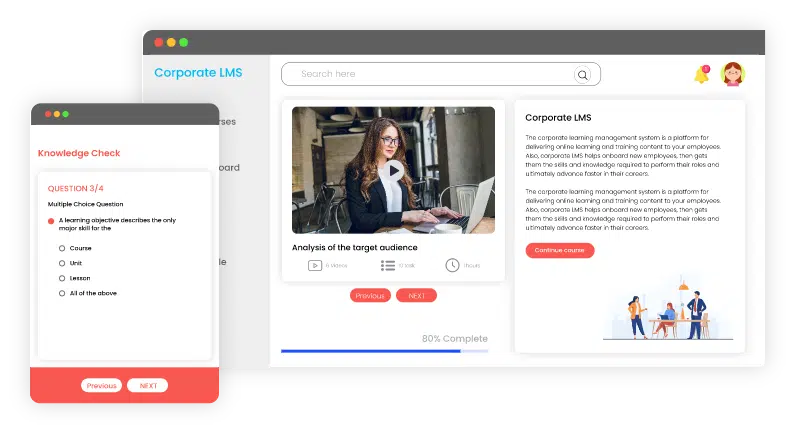
Transforming a Word document into SCORM format is crucial for creating an interactive, trackable, and LMS-compatible learning experience from basic, static content. A Word file on its own can’t track learner progress, completion rates, or engagement, posing challenges in assessing training effectiveness. Converting it to SCORM allows your LMS to gather detailed analytics, incorporate multimedia or quizzes, ensure consistent platform compatibility, and provide a structured eLearning module. This conversion enhances learner engagement and offers organizations valuable insights into training performance.
why-do-you-need-to-convert-ppt-to-scorm

Extra Free SCORM Resources

Effortlessly transform your files into LMS-ready SCORM packages in just a few clicks. Choose your file type:

3 Easy Steps to Transform WORD to SCORM

Import WORD, export SCORM-Ready Courses!

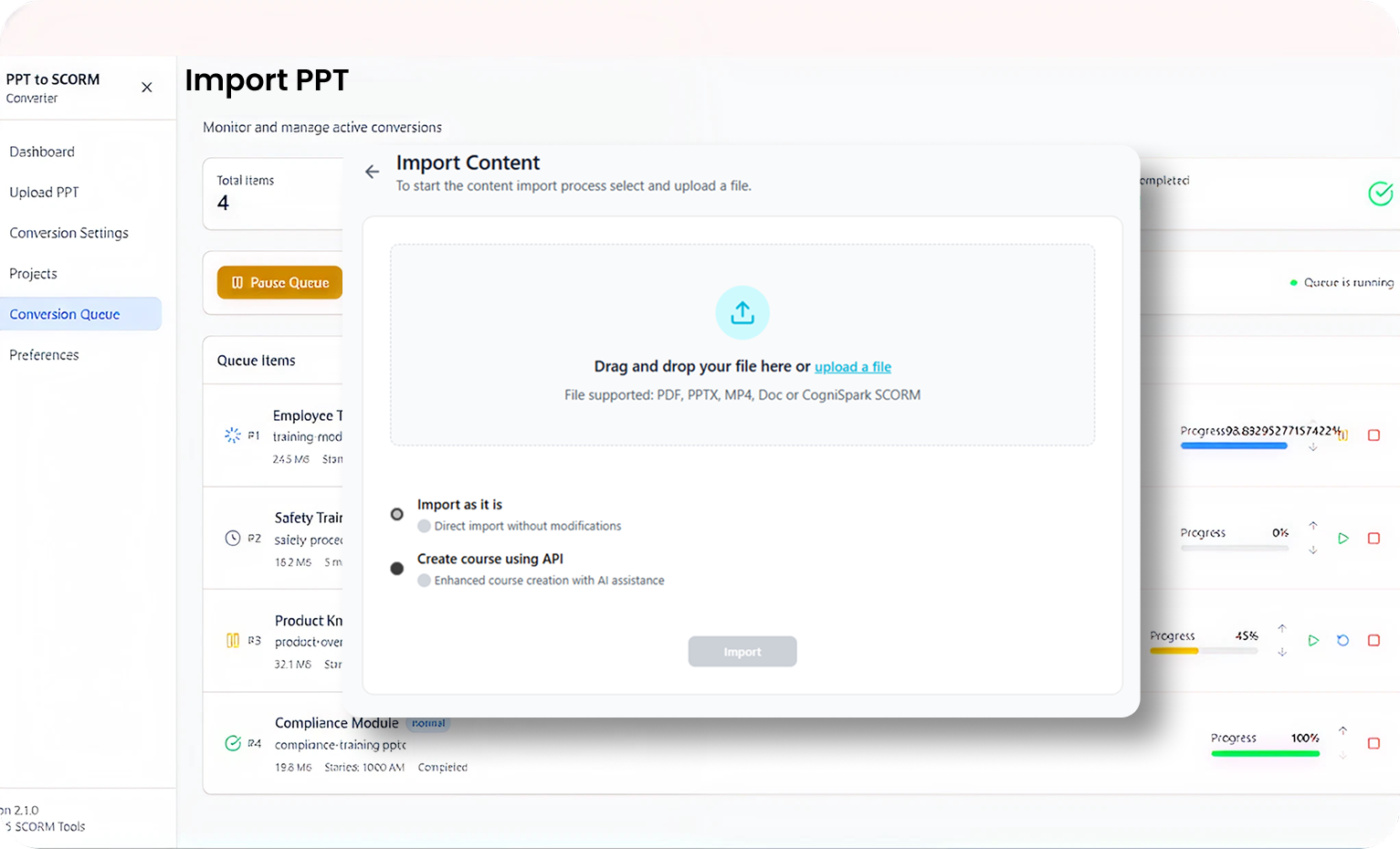
Upload Your Word Doc

Sign up and easily upload your WORD file to start converting it into an eLearning module.

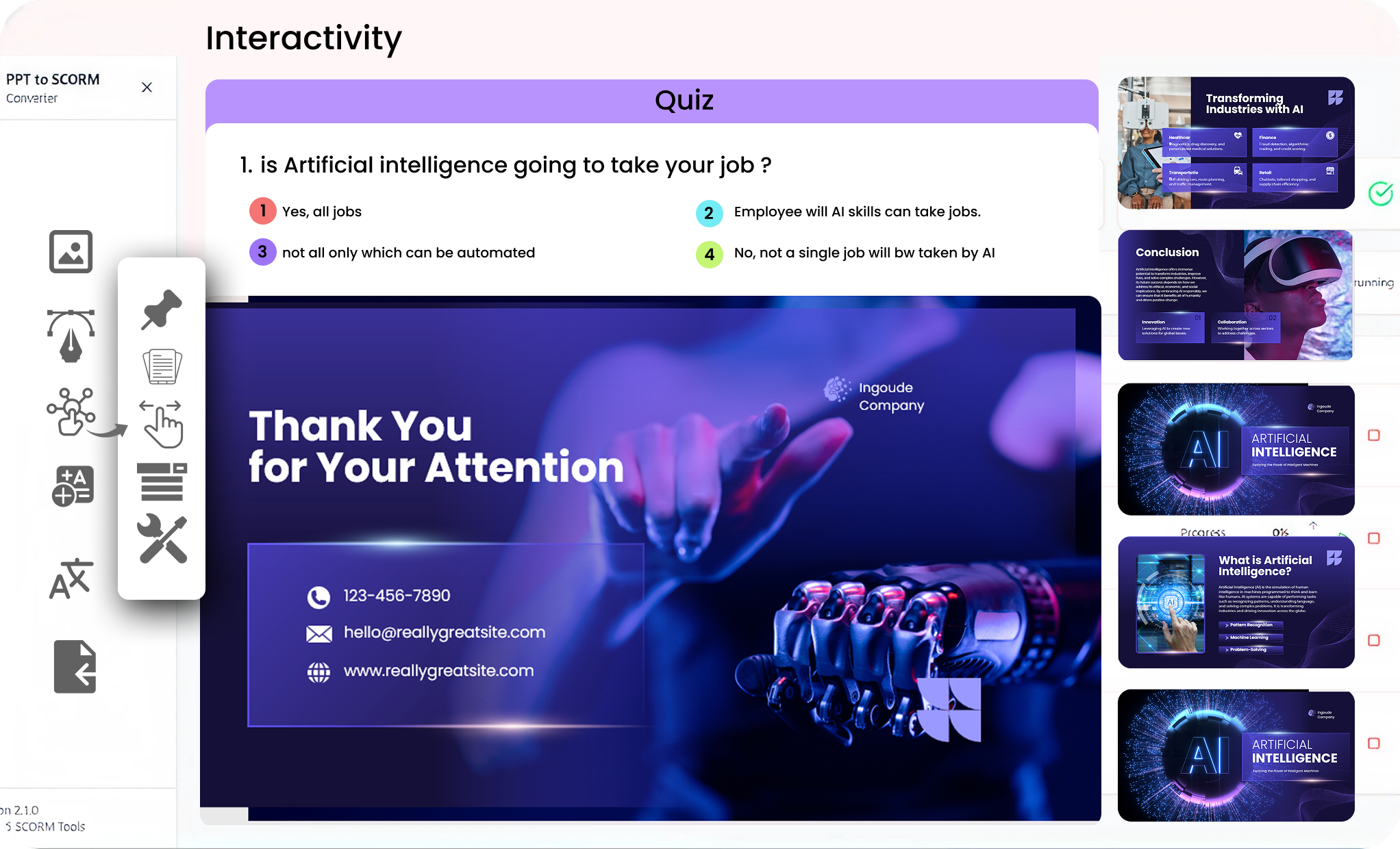
Add Interactive Elements

Enrich your WORD with videos, quizzes, and buttons, then hit Publish.

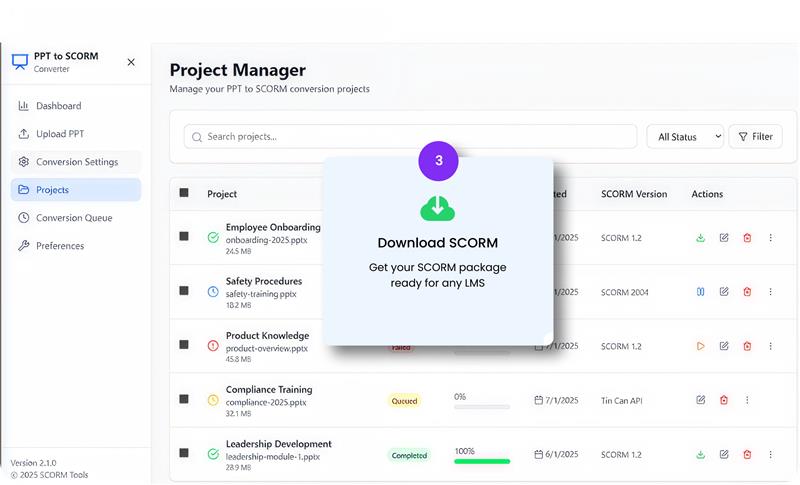
Select SCORM Version

Select SCORM version 1.2 or 2004 in your LMS, click Publish, and get a Zip file.
[ai_data_upload]

Key Features of WORD Doc to SCORM Conversion

Text to Speech

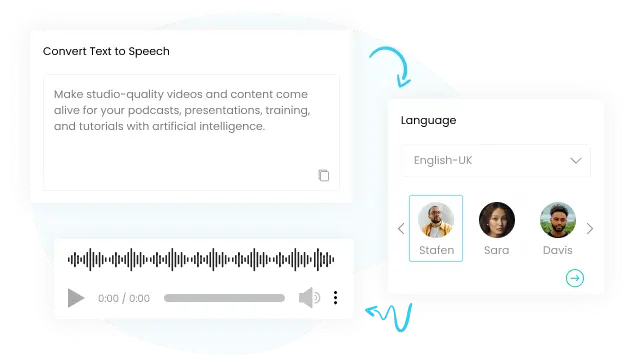
Convert your written words into lifelike audio using cutting-edge AI Text-to-Speech technology. Ideal for eLearning modules, explainer videos, or podcasts, this tool offers natural-sounding voices that make your content vibrant and engaging. Save time, improve accessibility, and elevate your training experience to new heights.
text to speech

Virtual Spokesperson Clip

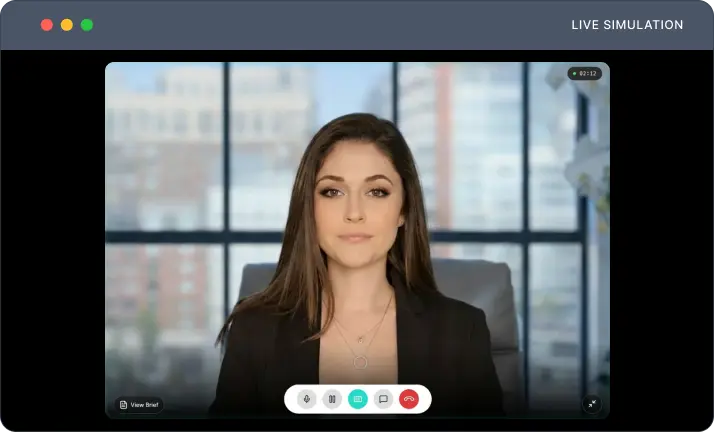
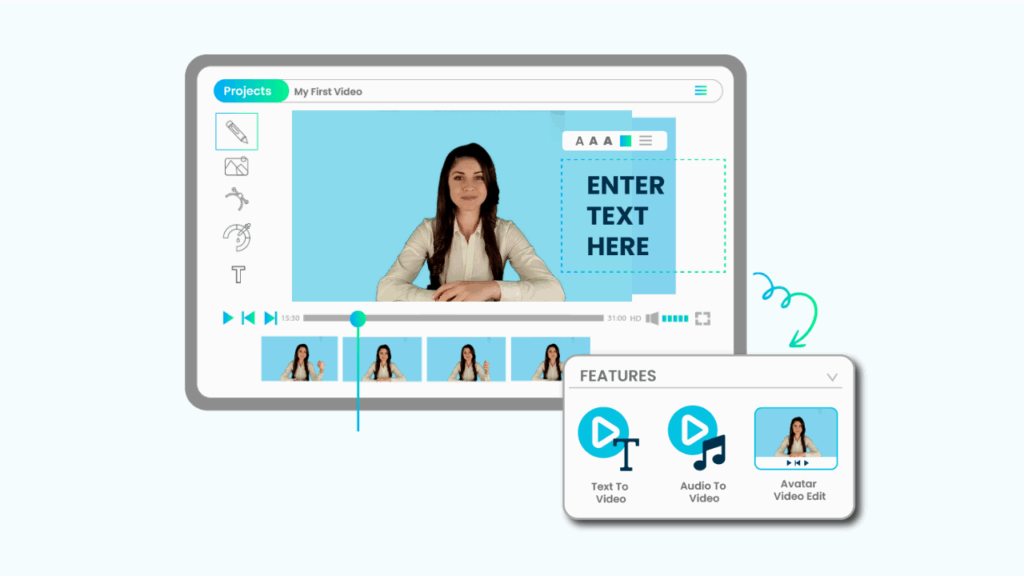
Wave goodbye to costly video shoots! With AI Spokesperson Video, craft professional videos instantly using virtual presenters. Pick from a variety of avatars, tailor your scripts, and generate high-quality videos for training, marketing, or onboarding—all without needing a camera or studio setup.

SCORM Export & LMS Compatibility

Effortlessly export your courses in SCORM 1.2 or 2004 format for smooth integration into any LMS. Achieve full compatibility, precise learner tracking, and adherence to eLearning standards. Ideal for organizations prioritizing flexibility and performance across diverse platforms.
SCORM Export & LMS Compatibility

Have a course idea? Enter the title and let AI handle the rest.

[transform_ideas_to_course]

Testimonials

Client Testimonials

Q&A Session

Got Questions? Click here.

Can’t find your answer here? Just message us with any questions!
Effortlessly convert PDFs into SCORM-compliant eLearning courses using the Paradiso Authoring Tool, simplifying the entire process.
Upload your PDF to Paradiso Authoring Tool, select your SCORM version, and publish your course in just minutes.
The Paradiso Authoring Tool guarantees smooth LMS integration, supporting SCORM 1.2 and 2004.
Certainly! The Paradiso Authoring Tool lets you add interactivity, quizzes, voiceovers, and templates, then export your work to SCORM format.
The Paradiso Authoring Tool retains all animations, videos, and links in your PDF during SCORM conversion.
SCORM courses created using the Paradiso Authoring Tool easily integrate with major LMS platforms, including Paradiso LMS.
Paradiso eLearning Authoring Tool is perfect for crafting interactive and engaging eLearning content. With its user-friendly interface, templates, and multimedia integration, you can create effective training materials at no cost.

Wait!

Your  Free  AI Authoring Tool is Here

Free eLearning Authoring Tool

Create Courses in Minutes – Free!

With CogniSpark AI, turn your ideas into interactive eLearning with AI voiceovers, SCORM support, and video creation – no skills needed.

No thanks, I’ll try later.

Free Tools for L&D Professionals

Don’t Leave Without Free L&D Tools!

Create engaging courses, convert presentations, and generate videos with Paradiso’s free AI tools for L&D professionals.
No thanks, I’ll try later.
Product Tour

See Paradiso LMS in Action!

Take a free, no-pressure tour to explore admin, manager, and learner dashboards, plus AI-powered course creation.

No thanks, I’ll try later.

Free LMS

See The Free LMS In Action?

Get a personalized walkthrough of our powerful, yet completely free, Learning Management System. See how easy it is to train your team.

No thanks, I’ll try later.

Course Catalog

Don't Miss Free eLearning Content!

Access a vast library of professional course with certificates in Paradiso’s Course Catalog – start learning today.