All Paradiso LMS Features
The LMS features you need to redefine training @ your organization
Trusted by 1000s of Companies Globally…











Paradiso LMS Features
Performance Management
Streamline tracking and evaluation with our advanced performance management tools. Monitor progress, generate insightful reports, and enhance your training effectiveness.
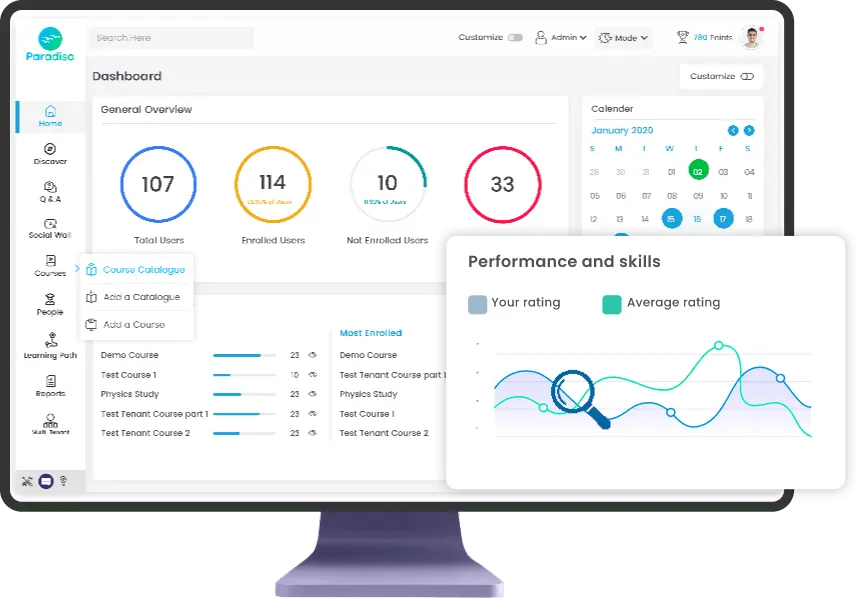
Course Competencies
Define and map out competencies associated with specific courses, ensuring learners meet the required skill sets.
Activity Competencies
Assign and assess competencies for specific activities within a course, helping to track learner progress on a granular level.
Skill gap analysis
Identify and analyze gaps between required skills and current competencies, allowing for targeted learning interventions.
Learning path with Cohort sync
Create and manage learning paths that automatically sync with cohort groups, simplifying the process of enrolling users into relevant courses.
Evidence of prior learning
Allow learners to submit evidence of prior learning to demonstrate proficiency in specific competencies, streamlining their learning journey by recognizing existing skills.
Face-to-face (ILT) training
Efficiently manage and deliver in-person training sessions with integrated scheduling, room reservations, and attendance tracking. Optimize your face-to-face learning experience.
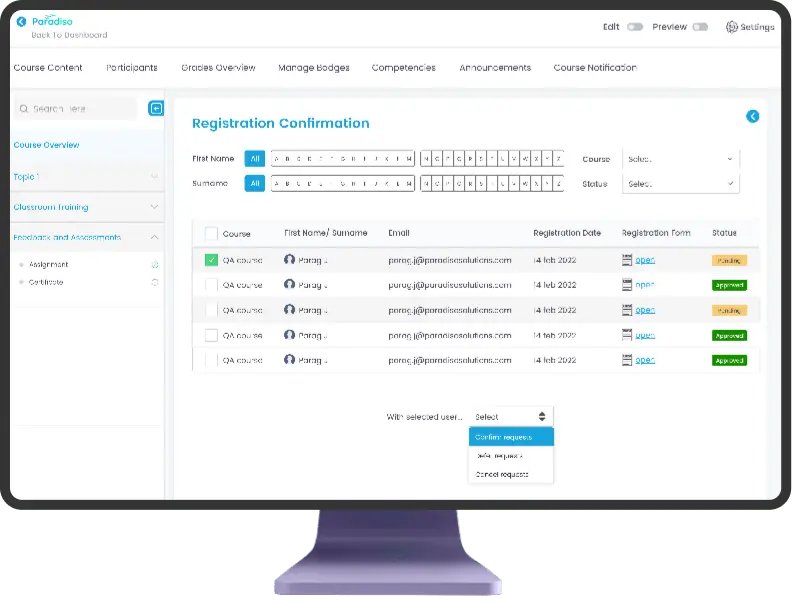
Registration and cancellation
Streamline the registration process for courses, including the ability to manage cancellations easily, ensuring smooth and efficient administration.
Wait list
Automatically manage waitlists for fully booked sessions, allowing participants to enroll if a spot becomes available.
Room reservations
Coordinate and reserve physical training rooms, ensuring that all logistical details are managed within the LMS.
Instructor scheduling
Efficiently schedule instructors for various training sessions, balancing their availability with course requirements.
Calendar integration
Integrate training schedules with personal or organizational calendars, providing learners and instructors with seamless access to upcoming events.
Attendance
Track and record attendance for face-to-face sessions, ensuring accurate records for compliance and reporting.

Get the Complete Paradiso LMS feature list in your mailbox
LMS Customization
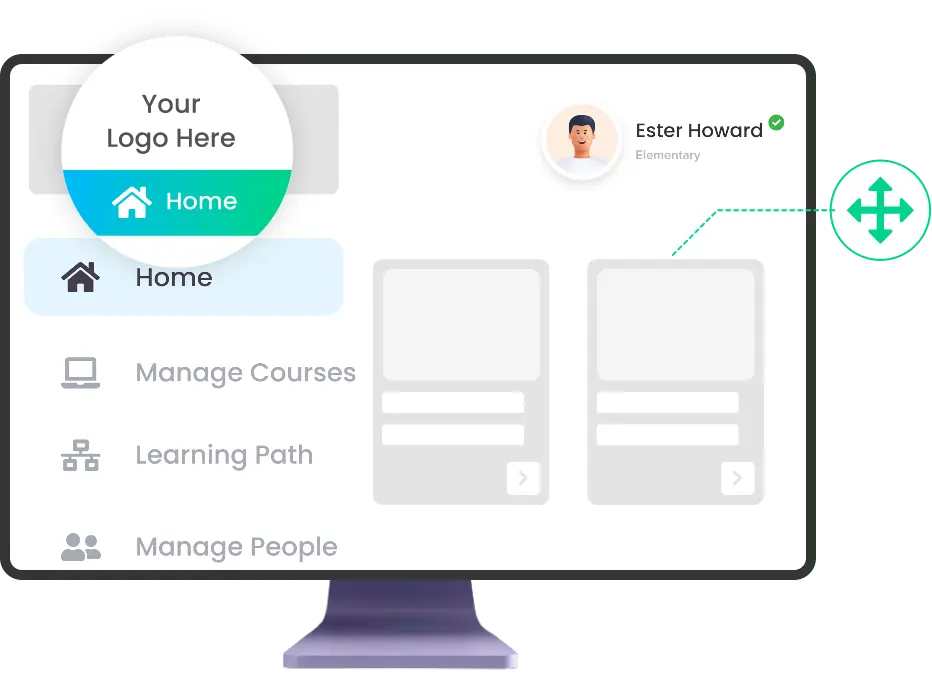
Company branding (Domain, Logo, Colors)
Customize Paradiso LMS to reflect your brand by uploading your logo, images, and icons. Tailor the theme to match your corporate identity.
Custom Themes
Fully adjust the LMS design with custom themes to align with your company’s branding. Upload logos, images, and adjust layouts as needed.
Custom Footer
Add any information or links to the LMS footer using HTML options. Administrators can easily update content to fit organizational needs.
White Labeling
Opt for a white-labeled LMS for a fully branded experience with no references to Paradiso. Available for an additional fee.
Custom Navigation Menu
Enhance the navigation bar by adding custom links and modules. Tailor the menu to better suit your organization’s requirements.
Custom Homepage
Personalize the user landing page or student portal to align with your company’s branding. Customize it for a unique user experience.
Custom Certificate
Create fully customizable certificates without coding. Design them to meet your organization’s specific requirements and style.
Ecommerce
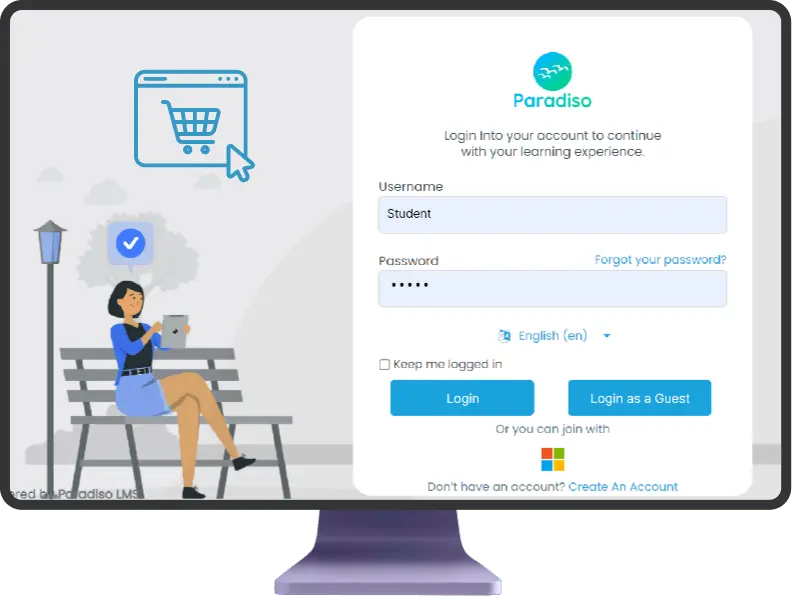
Single Sign on
Enable users to access both your eLearning and eCommerce platforms seamlessly with Single Sign-On. No need to switch between different systems.
Purchase Directly from LMS
Allow users to buy courses directly within the LMS, providing a seamless and user-friendly purchasing experience without leaving the platform.
Payment Integrations
Integrate various payment gateways for smooth transactions, making it easy to process payments directly within the LMS.
Auto-Enrollment
Automatically enroll users in courses upon purchase, ensuring immediate access across desktop, tablet, and smartphone devices.
eLearning course Catalogue
Users can browse and purchase courses from your online catalog directly within the LMS, streamlining the process of finding and enrolling in content.
Subscriptions / Discounts
Configure special pricing, discounts, and payment plans for your courses. Easily manage subscriptions and promotions to control content access.
Interactive Content
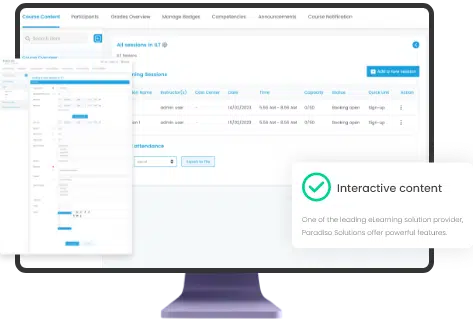
Interactive Video
Create HTML5-based interactive videos by adding multiple-choice questions, fill-in-the-blanks, pop-up text, and other interactions directly within the LMS.
FlashCards
Design memory games with custom images and optional text. Users find matching image pairs to reveal specified messages.
Interactive Presentation
Enhance HTML5-based presentations with interactive elements such as multiple-choice questions, fill-in-the-blanks, and text, all within the LMS.
Upload videos
Upload videos to the LMS and incorporate interactive elements to enrich the learning experience.
YouTube videos
Embed YouTube videos into the LMS and add interactive features to engage learners.
Vimeo Pro Videos
Embed Vimeo Pro videos and enhance them with interactive elements to create a more engaging learning experience.
Add images/text, Quizes
Incorporate images, poster images, and quizzes into interactive videos to enhance content and learner interaction.
Reporting
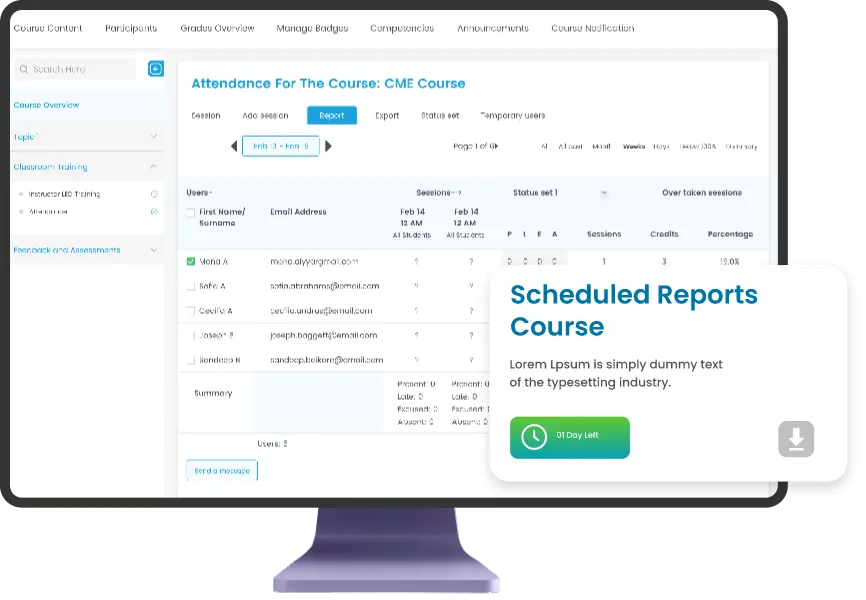
Course Completion
Track and view detailed information about course completion status for each user.
Custom Report Creation
Create tailored reports without needing SQL knowledge, using an easy-to-use tool for admins and teachers.
Custom SQL Report
Develop custom reports using SQL queries for advanced data analysis and reporting.
Schedule reports
Schedule custom reports to be automatically sent via email with specified time ranges and periods.
Export Reports
Download generated reports in CSV and XLS formats for further analysis or record-keeping.
Quiz Analytics
Generate detailed reports on quiz performance, including grades and user analytics, for both students and administrators.
Logged user report
View reports specific to the logged-in user, showing information relevant to their individual activity and performance.
Assessments
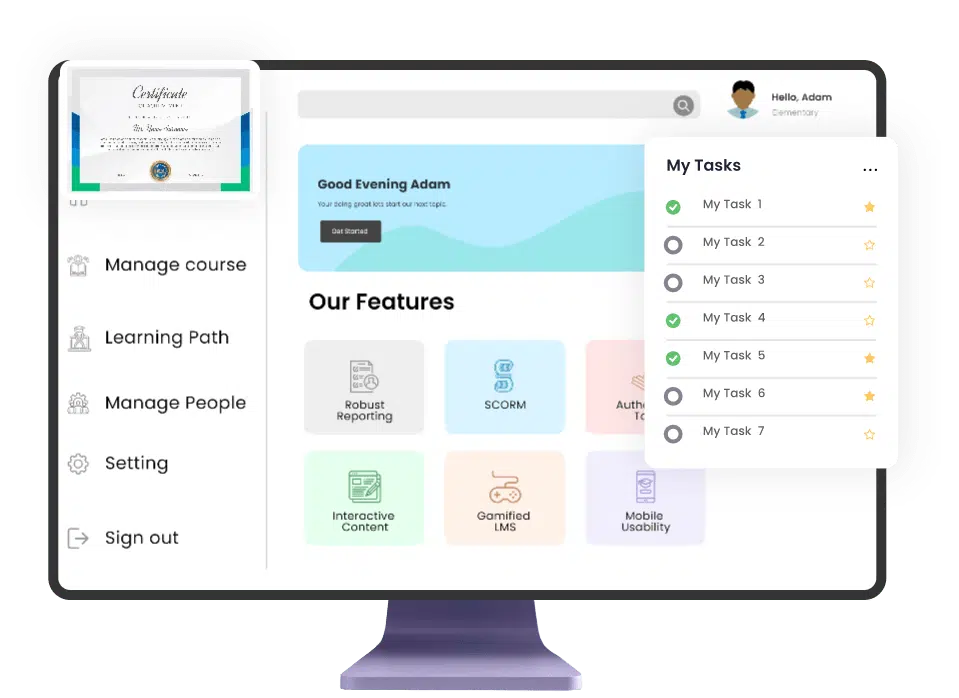
Assignments
Students submit their work through an online text tool and attachments, receiving grades for both their own work and peer assessments.
Quiz Engine
Provide a space for students to submit assignments for grading and feedback, facilitating structured evaluation by teachers.
Question Bank
Design and build quizzes with various question types, including multiple-choice and short answers. Store and reuse questions from the Question Bank.
Grade System
Create, preview, and edit questions within a database, organizing them by category for use at the site, course, or quiz level.
Certainty-based marking
Adjust grades based on the certainty of answers, rewarding accurate responses and penalizing uncertain guesses.
Workshop
Adjust grades based on the certainty of responses, with penalties for incorrect answers and rewards for confident correct answers.
Proctoring
Implement measures to ensure exam integrity and prevent cheating during online assessments.
Certificates
Generate dynamic certificates based on predefined conditions set by the teacher, automatically awarding achievements.
Gamification
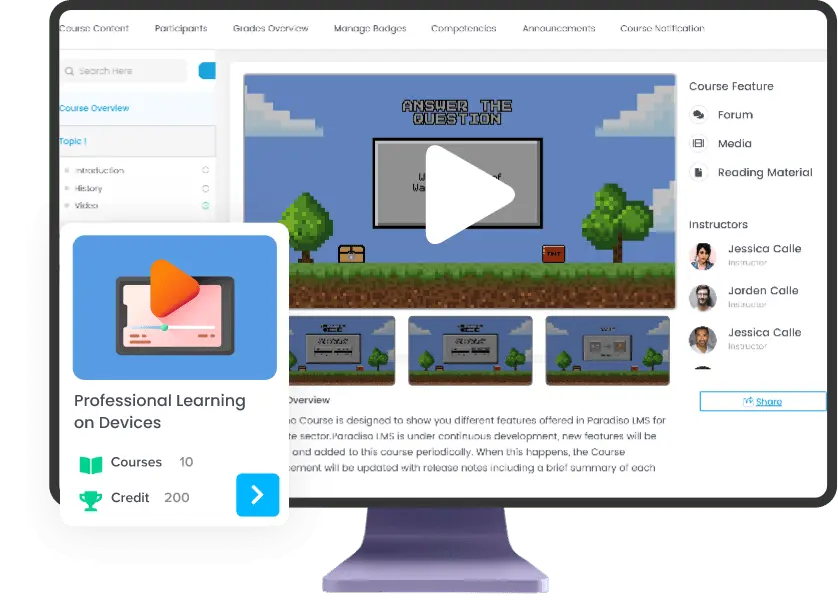
Leaderboard
Rank users based on activity completion by enabling and configuring criteria for monitored activities. Points are awarded according to the set completion criteria.
Badges
Award badges to celebrate achievements and track progress based on various customizable criteria.
Points
Gamify the learning experience by awarding points to students for their engagement and accomplishments.
Levelling System
Allow students to advance through levels in their courses, providing a sense of progression and achievement.
Social Media Sharing
Enable users to share their earned badges on Facebook, Twitter, LinkedIn, and Google+, promoting their accomplishments.
Games
Incorporate engaging games such as Pirates Adventure, Jeopardy, Travel and many more to enhance the learning experience.
Security
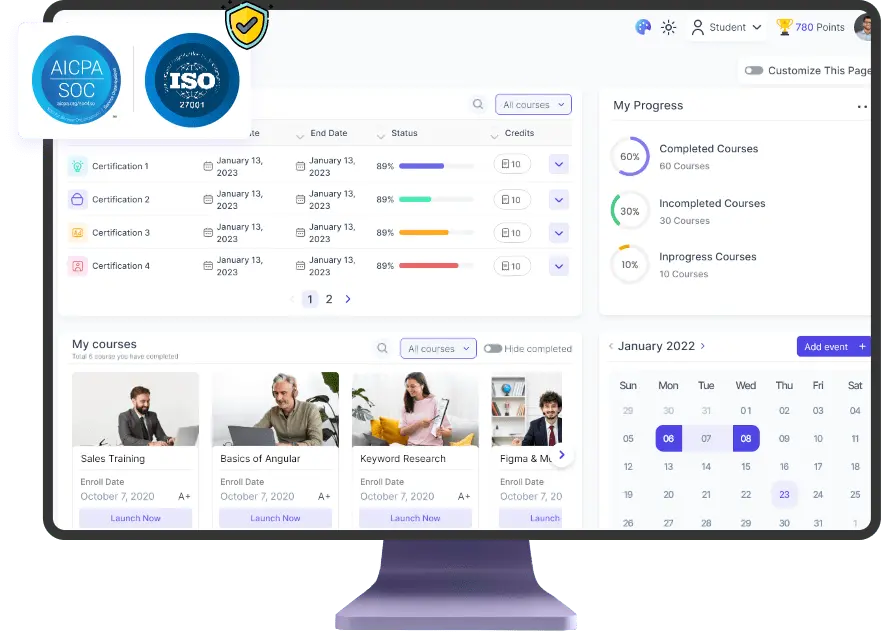
Optional 2 factor Authentication
Enhance security by offering optional 2-factor authentication, adding an extra layer of protection for user accounts.
SOC2 Certification
Ensure compliance with SOC2 standards, demonstrating adherence to strict data security and privacy protocols.
DDoS attack detection
Monitor and detect Distributed Denial of Service (DDoS) attacks to safeguard your platform from disruptive security threats.
SSL Certificate
Secure your site with an SSL certificate, encrypting data transmitted between users and your platform to protect sensitive information.
LMS Integrations
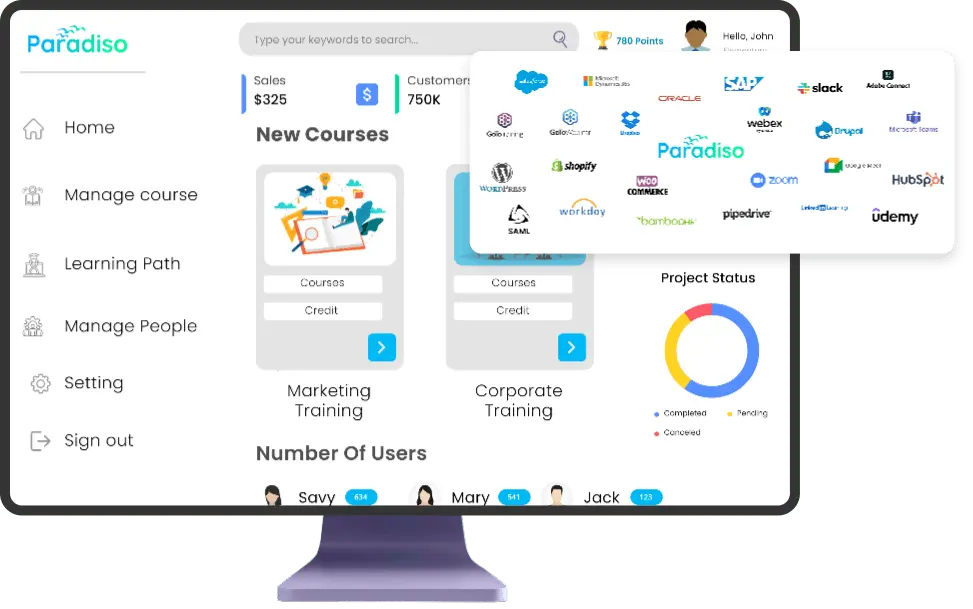
HRMS
Integrate with popular HRMS platforms like Bamboo HR, DarwinBox, SAP, and ADP to streamline HR processes and employee management.
Microsoft Dynamics
Track, measure, and optimize sales training and prospect communication with complete two-way integration between PLMS and Microsoft Dynamics CRM.
Sugar CRM
Enhance training for employees, customers, and partners with seamless integration between PLMS and SugarCRM.
Salesforce
Achieve a seamless user experience with full two-way integration between PLMS and Salesforce, including access to PLMS from within Salesforce via our connector.
ERP Systems
Unify your information system with ERP integration, providing a centralized management tool and database accessible across all company services.
Microsoft Teams
Access live training and participate in real-time collaboration through the LMS, creating Teams channels for specific classes and groups.
100+ other integrations
Integrate Paradiso LMS with over 100 other systems; just let us know your needs, and we'll facilitate the integration.
Choose the right LMS for you
Main Resources

Empower your training initiative
It involves changing people to improve performance, which in turn changes organizations to improve success

Check Out The Company Brochure
We always deliver more than expected for business both large and small

How to choose
the Best LMS
Check out our advice on selection of the ideal LMS for your training company so that your clients have the finest learning experience possible