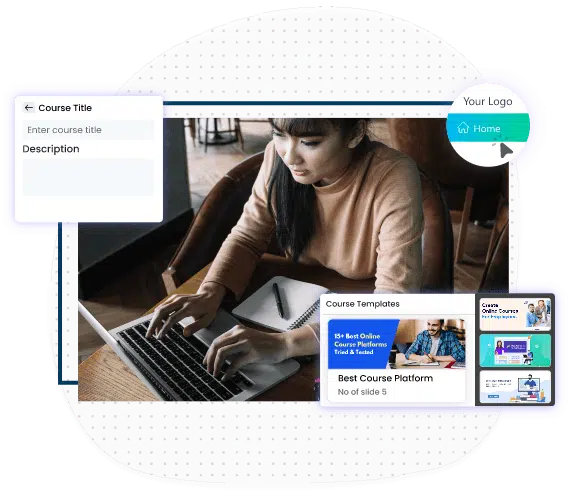
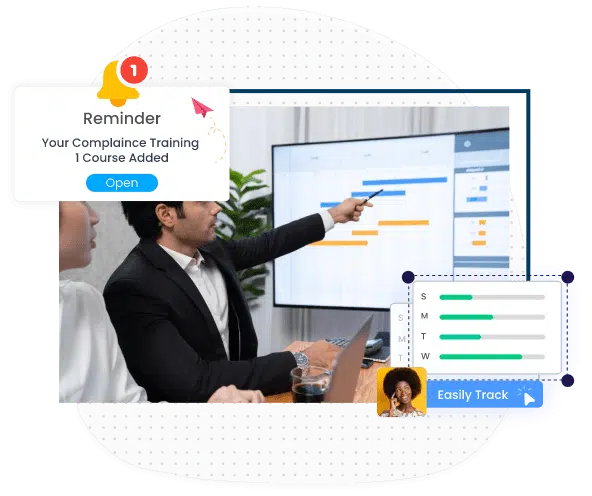
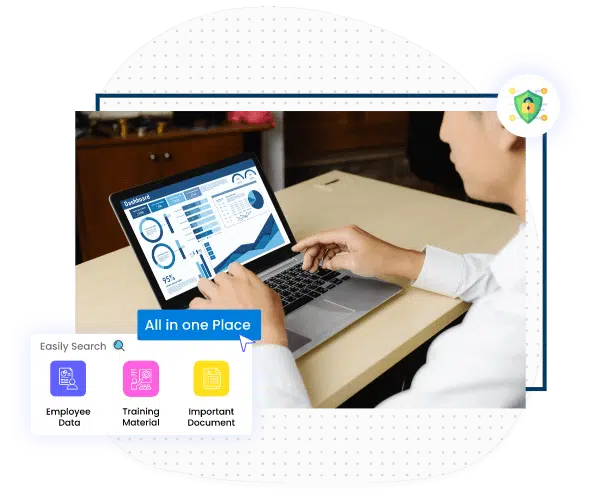
SharePoint LMS delivers advanced learning management with an integrated course authoring tool, real-time analytics, and interactive videos for immersive education. It features robust reporting for competency and skill-gap analysis and supports centralized administration within a collaborative environment. The platform accommodates both instructor-led and self-study paths and is SCORM and AICC-compliant, ensuring standardized and scalable learning solutions.
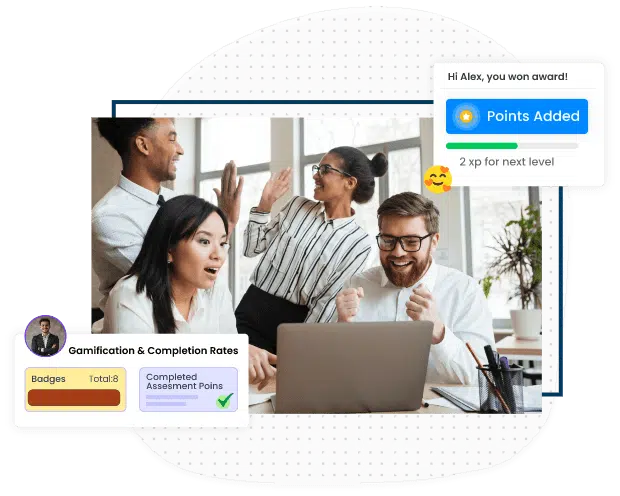
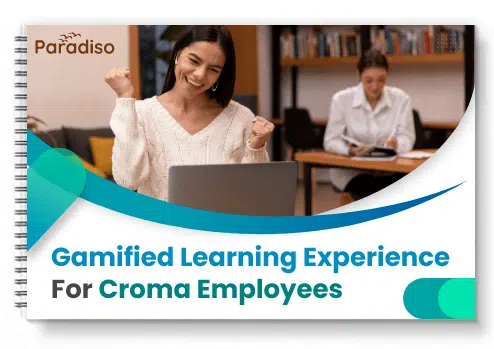
Help learners retain information better, by adding the aspect of gamification in elearning
Leaderboards, coins, badges, trophies, points and much more help in making the process of learning fun
The points system can be tailored to align with your business objectives
Instructors can choose their own design and what they want to assign badges to – for example completing a course or a set of games
They can also start discussions, work together on joint challenges and send private messages to other learners within the LMS
Help your learners experience greater learner experience and independence
SharePoint Versions
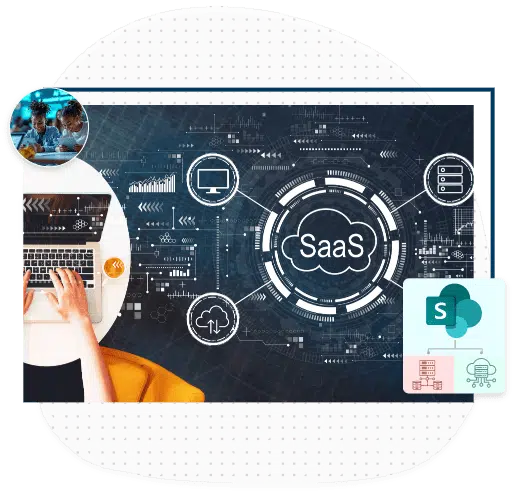
Almost all of the Microsoft SharePoint versions are supported. Both on-premises as well as cloud
The major versions supported are SharePoint online, Office 365, SharePoint 2010, SharePoint 2013, SharePoint 2016
If there is an upgrade to the SharePoint version, even then our LMS wouldn’t break because our integration uses standard API and has very little dependency on the SharePoint platform
SharePoint has evolved enormously, added new features and rebuilt others and we’ve with it we’ve made changes to the LMS continuously
We integrate with both, the cloud version (Office 365) and the On-Prem version of SharePoint
Strategies to Maximize Online Course Potential through Instructional Design Solutions
Single Sign On (SSO)
Single Sign On (SSO) in SharePoint LMS is a feature where, if a user can log in to one application he will be automatically signed in to every other integrated application, regardless of the platform used by him. The users get one-click access to the LMS in the cloud from behind the firewall. Gone are the days when you needed to remember two different usernames or passwords for the same.
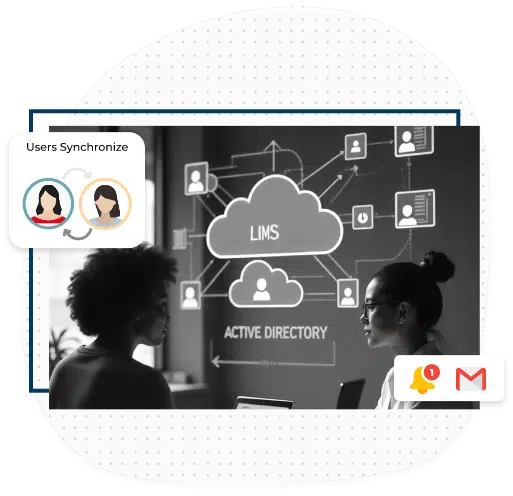
User Synchronization
Newly created users are automatically synced between the two platforms. So, to speak of practicality, whenever there is an update of the user registries in any one of the platforms, it automatically gets updated in the other platform. This feature of the SharePoint LMS plays a very important role in reducing the errors associated with manual entry of data into two portals.
Content Creation and Collaboration
Content created in SharePoint can be imported to Paradiso LMS and is fully editable from within the platform. Creating documents and other content items in SharePoint is as simple as using a web browser and collaborating the same content with the LMS is all the more undemanding. So to say, no matter the data structure of the document, SharePoint LMS alliance can handle it all.
LMS within SharePoint
Access your LMS within SharePoint, simply by clicking the LMS tab on your SharePoint dashboard. Yes, its that simple! You don’t have to leave your SharePoint instance to access the LMS. Simply click on the ‘Training Tab’ that gets generated as soon as the integration materializes and before you know it, you’ll be in your LMS portal.
Supports Mobile Learning
Mobile learning has accelerated the growth of e-learning to extend to spaces beyond the traditional classroom. Our SharePoint LMS too supports the upswing of mobile learning. It offers flexibility in e-learning and opens newer avenues for interaction between the instructors and learners.
Supports Interactive Videos
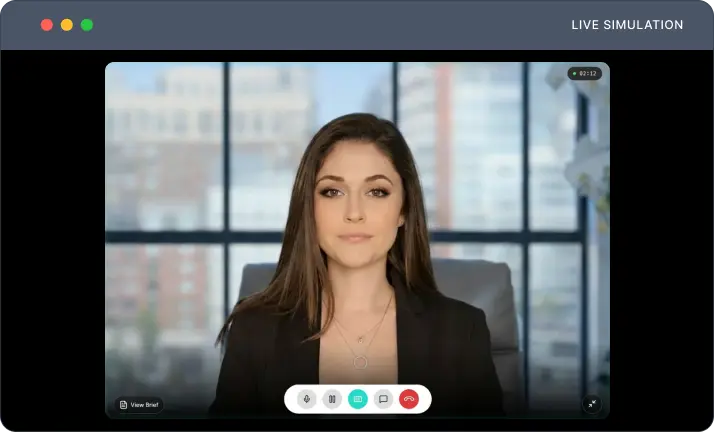
Interactive videos are a specialty of our SharePoint LMS. The LMS admin can operate this feature. He can upload videos pertaining to the courses and add an interactive aspect to them. By interactive videos, we mean videos that nudge the learner to be more riveting.
Our website uses cookies to ensure it functions properly and provides a safer experience. Some cookies are necessary for the website to operate. By clicking 'Accept,' you agree to the use of cookies as outlined in our Privacy Policy. If you click 'Decline,' only essential cookies will be used.