

Courses / Soft Skills / Emotional Intelligence and Collaboration

Creating a Presentation

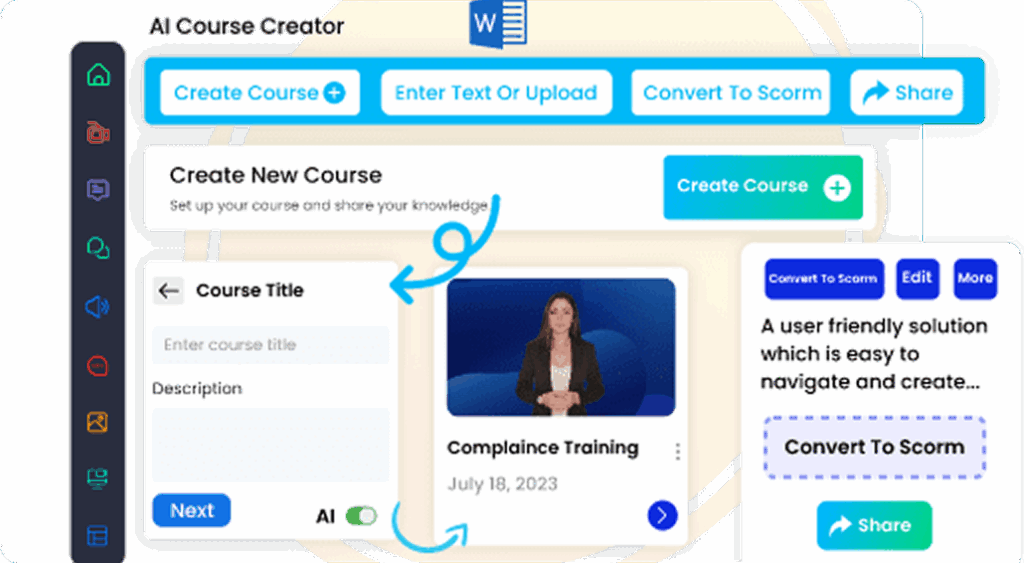
SCORM Compatible

Works with any learning management system

AI Tutor Integrated

Smart learning assistance available 24/7

Fully Editable

Customize content with inbuilt Authoring tool to match your need

Unlock the power of impactful communication with our Creating a Presentation course. Tailored for corporate environments, this course offers department-specific sections, ensuring relevance for everyone from sales to HR. Engage with interactive simulations and real-world decision-making scenarios to hone your skills. By the end, transform your presentations into persuasive narratives that drive business outcomes.

Premium

(425 reviews)

Quantity:

Sign Up
Schedule a Demo

Description

The Creating a Presentation course empowers employees with the skills to design and deliver compelling presentations that drive business results. Participants will learn to craft clear, impactful messages and engage audiences effectively. By the end of the course, learners will confidently create presentations that are visually appealing and persuasive, enhancing their professional communication skills.

Our curriculum is structured to provide a comprehensive learning experience. Each instructional section starts with an introduction, followed by a deep dive into core concepts, a real-world scenario or activity, and concludes with a key takeaway summary. The course leverages interactive elements such as simulations, case studies, and decision-making scenarios to ensure practical understanding and skill application.

Employees will benefit from improved presentation skills, leading to more effective communication within their roles. The course is designed to cater to various departments, offering relevant insights and strategies tailored to specific job functions. Participants will also gain access to continuous development resources, ensuring their skills remain sharp and up-to-date.

Customization options allow organizations to tailor the course content to meet specific business needs, ensuring maximum relevance and impact. By enhancing presentation skills, employees can contribute to improved communication, better decision-making, and ultimately, greater business success.

Who Is This Course For?

  • Corporate trainers seeking a Creating a Presentation course to enhance employee communication skills.
  • Sales professionals looking for presentation training for employees to boost client engagement.
  • HR managers aiming to incorporate online presentation training for employees into their development programs.
  • Team leaders interested in creating a presentation training to improve team project outcomes.

Reasons to Choose Our eLearning Course Catalog

⚙️

Editable & Embeddable SCORM Course

Easily modify the course content and structure to suit your
needs, then embed it directly into any SCORM-compliant LMS
for seamless deployment and tracking.

📚

Fully Customizable with Built-In Authoring Tools

Adapt course content, visuals, and structure to meet your
specific learning objectives with ease.

🏷️

White Label eLearning Courses

Seamlessly integrate your branding and deliver a consistent
learning experience across your organization.

🎯

Engaging Content Through Storytelling and Scenarios

Increase retention with real-world communication challenges,
story-driven modules, and practical examples.

🎮

Interactive Learning Using Animation and Gamification

Drive learner engagement with visually rich animations, simulations, and game-based learning strategies.

💰

Flexible, Budget-Friendly Pricing Options

Choose a pricing model that fits your organizational needs, whether you’re a startup or a large enterprise.

How AI Tutor Helps in eLearning Courses?
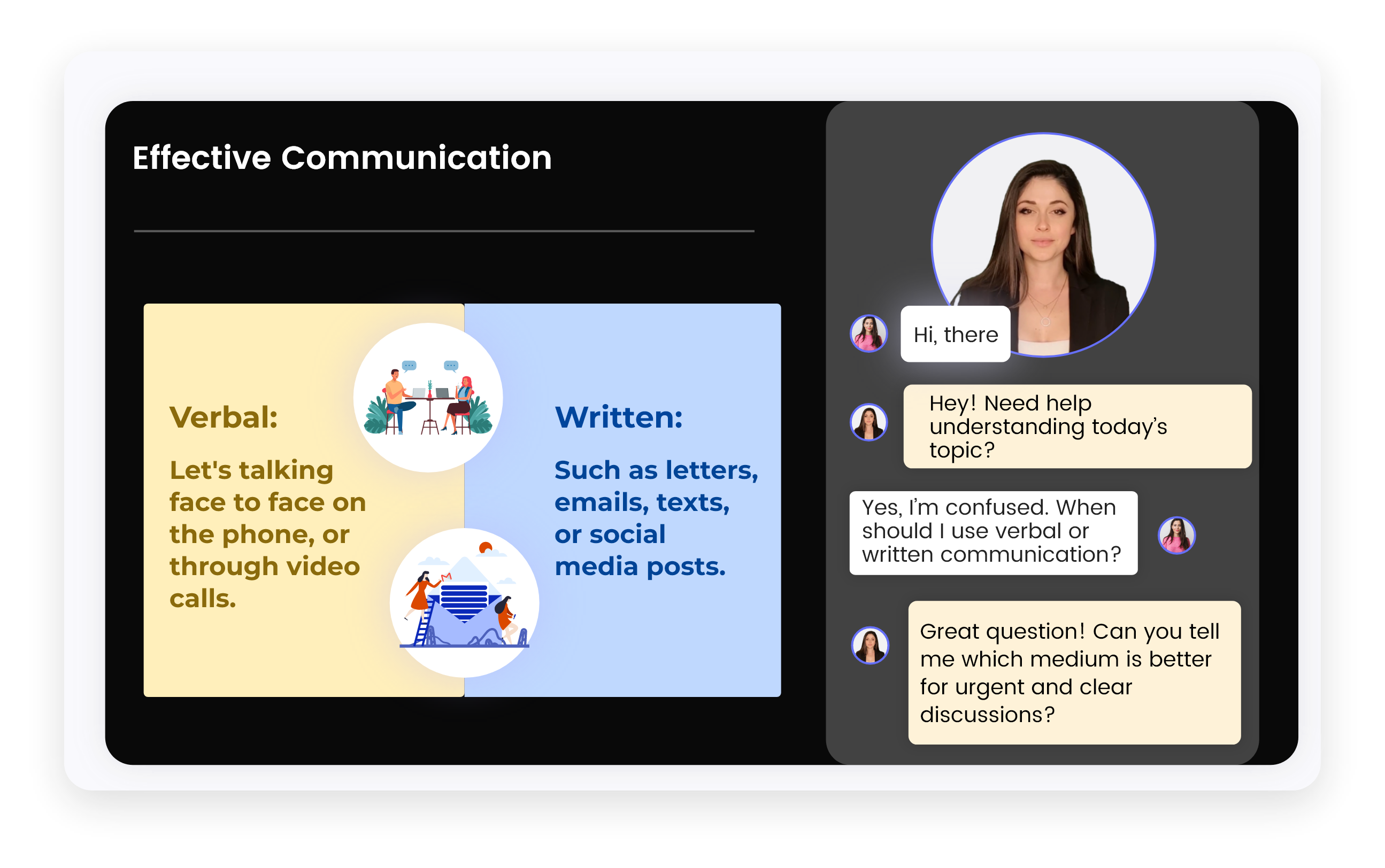
AI Tutor Image

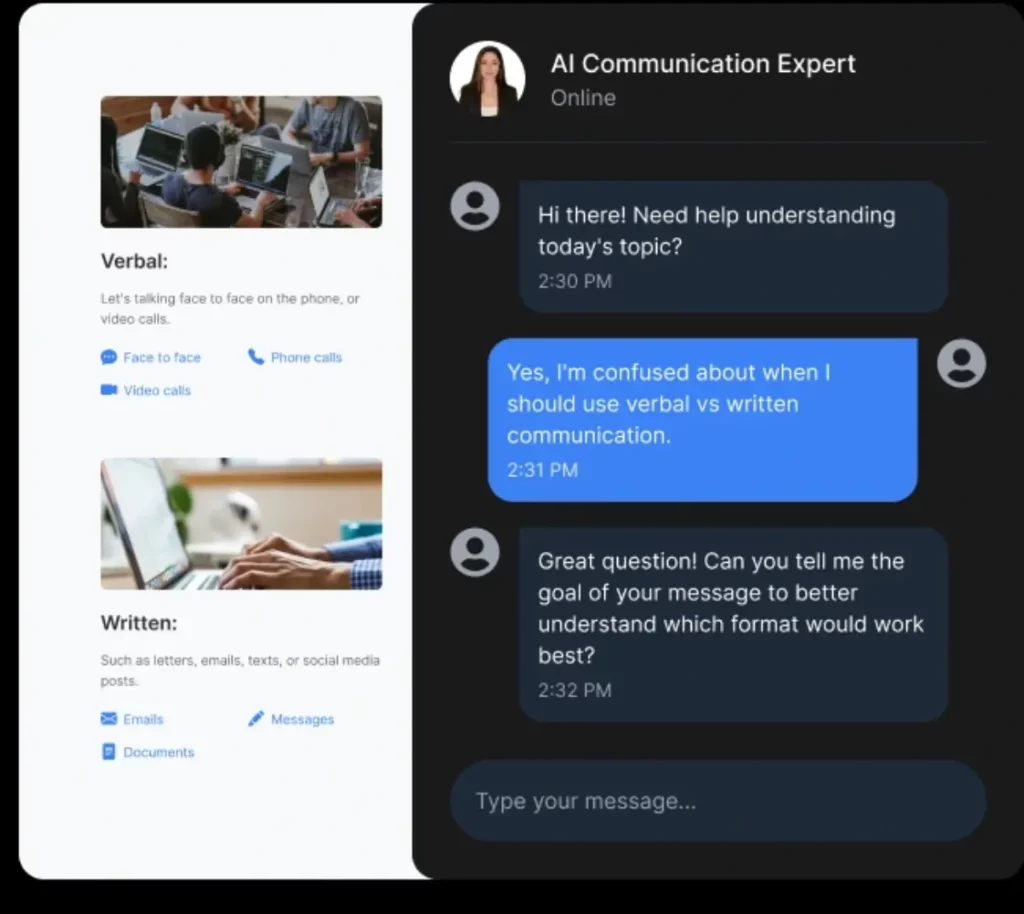
Guides learners through the eLearning course
with a personalized, step-by-step learning path.

Explains complex topics in real-time using simple,
easy-to-understand multiple language.

Offers quizzes, helpful hints, and feedback to enhance
understanding and track progress.

Supports voice interaction, allowing learners to speak
instead of type and receive responses in audio format for
a hands-free, engaging experience.

Simulates real-world scenarios through role plays and
interactive simulations to build practical skills and boost
confidence

FAQs (Frequently Asked Questions)

Q1: What are the objectives of the Creating a Presentation course?
+

The objectives of the Creating a Presentation course include enhancing communication skills, designing visually impactful presentations, and improving delivery techniques. This training for employees ensures they can effectively engage any audience.

Q2: Why is Creating a Presentation considered the best course?
+

Creating a Presentation is considered the best course due to its comprehensive curriculum, interactive elements like simulations and case studies, and its focus on real-world application. These features make it an ideal choice for corporate training.

Q3: What are the benefits of taking the Creating a Presentation course?
+

Benefits include improved presentation skills, enhanced ability to engage and persuade audiences, and increased professional confidence. This online training helps employees in various departments communicate more effectively.

Q4: Are there any prerequisites for the Creating a Presentation course?
+

There are no prerequisites for the Creating a Presentation course, making it accessible to all employees seeking to enhance their presentation skills.

Q5: Can the Creating a Presentation course be customized or integrated into our LMS?
+

Yes, the Creating a Presentation course offers customization options and can be easily integrated into your organization's LMS, ensuring it meets specific business needs and training objectives.

Introduction to Creating a Presentation

  • Introduction: Understanding the significance of impactful presentations
  • Deep Dive: Elements of a compelling presentation
  • Real-World Scenario: Analyze a successful corporate presentation
  • Key Takeaway Summary: Essentials for effective communication

Designing Your Presentation

  • Introduction: Basics of presentation design
  • Deep Dive: Visual storytelling techniques
  • Activity: Design a presentation slide using provided templates
  • Key Takeaway Summary: Importance of design in audience engagement

Delivery Techniques for Maximum Impact

  • Introduction: Fundamentals of presentation delivery
  • Deep Dive: Techniques for engaging delivery
  • Simulation: Practice delivering a presentation with feedback
  • Key Takeaway Summary: How delivery influences message retention

Handling Q&A and Audience Interaction

  • Introduction: Role of Q&A in presentations
  • Deep Dive: Strategies for effective audience interaction
  • Activity: Role-play handling challenging questions
  • Key Takeaway Summary: Turning Q&A into an opportunity

Course Wrap-Up & Next Steps

  • Review of key points and strategies
  • Application strategies for future presentations
  • Continuous development and resource recommendations

Reviews

There are no reviews yet.

Be the first to review “Creating a Presentation”

Your email address will not be published. Required fields are marked *

Quantity:

Sign Up

    Custom Pricing


    By submitting this form, you agree to the terms of service and privacy policy and confirm that the services are for business use only, not personal or consumer use.

    Quantity:

    Sign Up
    Schedule a Demo

    Reasons to Choose Our eLearning Course Catalog

    Editable & Embeddable SCORM Course

    Easily modify the course content and structure to suit your needs, then embed it directly into any SCORM-compliant LMS for seamless deployment and tracking.

    Fully Customizable with Built-In Authoring Tools

    Adapt course content, visuals, and structure to meet your specific learning objectives with ease.

    White Label
    eLearning Courses

    Seamlessly integrate your branding and deliver a consistent learning experience across your organization.

    Engaging Content Through Storytelling and Scenarios

    Increase retention with real-world communication challenges, story-driven modules, and practical examples.

    Interactive Learning Using Animation and Gamification

    Drive learner engagement with visually rich animations, simulations, and game-based learning strategies.

    Flexible, Budget-Friendly Pricing Options

    Choose a pricing model that fits your organizational needs, whether you’re a startup or a large enterprise.

    How AI Tutor Helps in eLearning Courses?

    How AI Tutor Helps in eLearning Courses
    ×

      Custom Pricing


      By submitting this form, you agree to the terms of service and privacy policy and confirm that the services are for business use only, not personal or consumer use.

      Free eLearning Authoring Tool

      Create Courses in Minutes – Free!

      With CogniSpark AI, turn your ideas into interactive eLearning with AI voiceovers, SCORM support, and video creation – no skills needed.

      No thanks, I’ll try later.

      Free Tools for L&D Professionals

      Don’t Leave Without Free L&D Tools!

      Create engaging courses, convert presentations, and generate videos with Paradiso’s free AI tools for L&D professionals.
      No thanks, I’ll try later.
      Product Tour

      See Paradiso LMS in Action!

      Take a free, no-pressure tour to explore admin, manager, and learner dashboards, plus AI-powered course creation.

      No thanks, I’ll try later.

      Free LMS

      See The Free LMS In Action?

      Get a personalized walkthrough of our powerful, yet completely free, Learning Management System. See how easy it is to train your team.

      No thanks, I’ll try later.

      Course Catalog

      Don't Miss Free eLearning Content!

      Access a vast library of professional course with certificates in Paradiso’s Course Catalog – start learning today.