
Turn your documents into courses
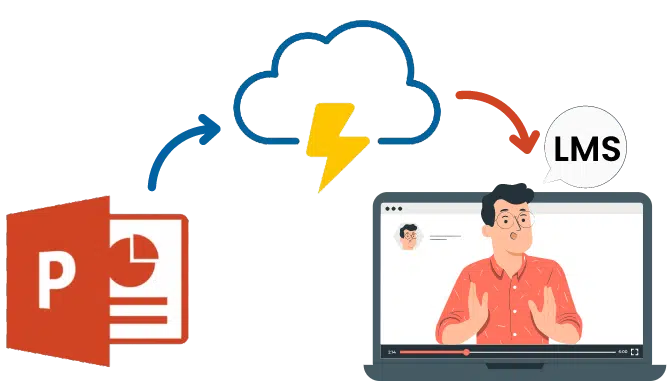
Upload a PowerPoint, Word, PDF, or text file — and our AI transforms your material into a structured course, saving hours of manual work.
File size up to 20MB















The authoring tool has made making interactive videos so easy that it has increased our customer engagement to new levels. Educating on our products while making learning fun and attractive has become possible with this tool's benefits. Even the questionnaire and quizzes add to increasing the product's success.
Malina B.Customer Success Manager 
The content and design templates in the authoring tool are a time saver and provide the comfort of developing courses super-fast while saving a lot of effort. Creating eLearning content has become quick and more effortless in many ways with CogniSpark AI.
Huan W.eLearning Developer 
This is a handy tool to make content easy, interactive, and engaging within no time. We create multimedia items with this easy-to-use tool and excel at offering the best eLearning for our users. It has many features that give varied options to work on your creativity and author your content effortlessly.
Derick G.Faculty Trainer 
Using the authoring tool is the quickest way to build interactive sessions for our training. Features like interactive videos, images, and presentations have made learning more intuitive. Using it as an in-built tool in Paradiso LMS has allowed us to realize the maximum of its advantages.
Christopher L.L&D Manager